
25 Sep 2026
From Work Mode to Gaming Mode: Can One Monitor Setup Do Both?
Can one monitor setup handle both work and gaming? Discover how a JBM Mart Monitor Stand can help create an adjustable, organized, and flexible workstation.
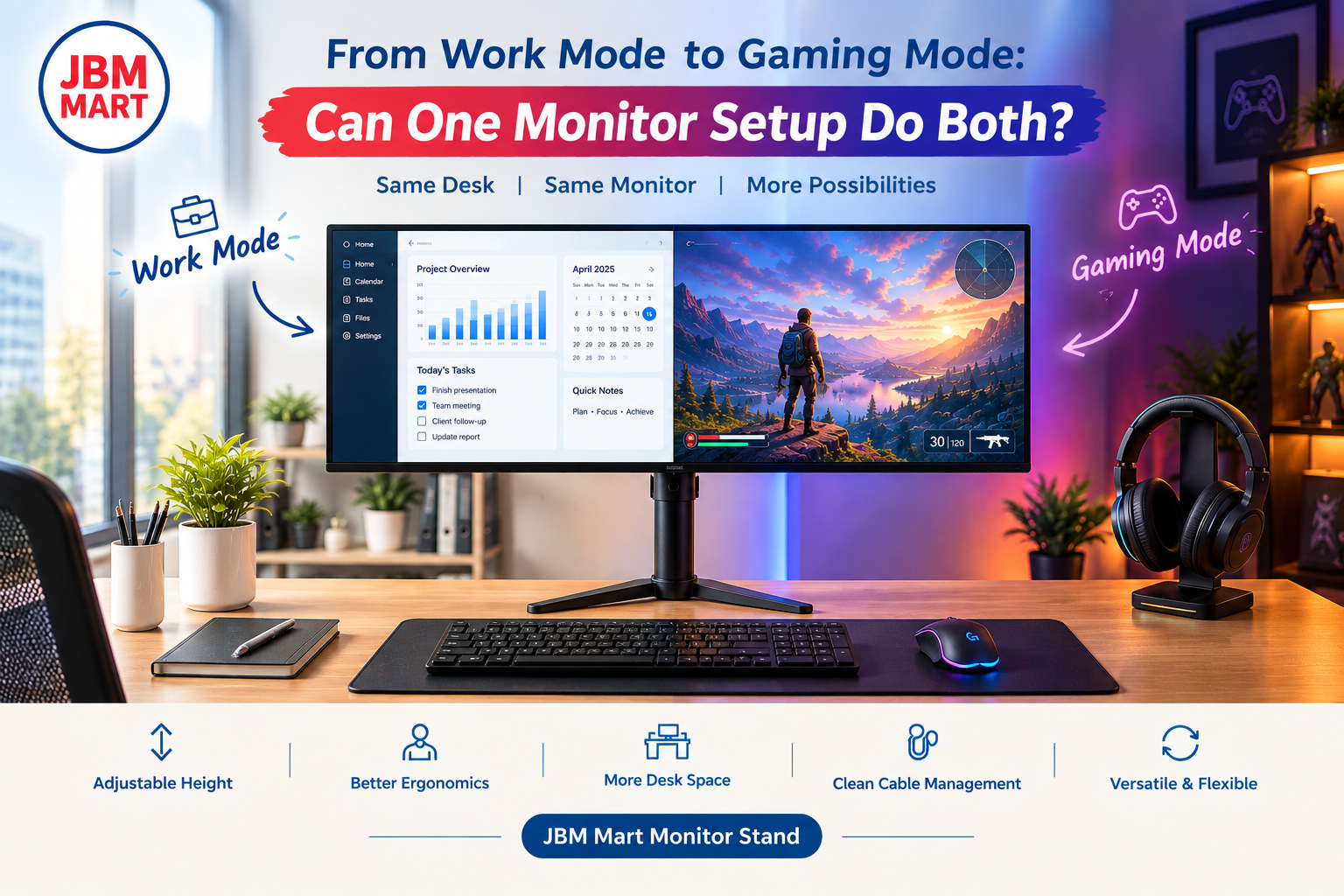
Switching between professional work and gaming does not always require two separate desks or two completely different setups. With the right arrangement, the same desk can support focused work during the day and immersive gaming in the evening. A well-positioned JBM Mart Monitor Stand can play an important role in creating this flexible setup by helping you adjust monitor height, viewing angle, desk space, and overall ergonomics. Whether you are working from home, studying, editing content, coding, or playing games, a thoughtfully planned monitor setup can make the transition between work mode and gaming mode much easier.
Can One Monitor Setup Really Handle Work and Gaming?
Yes, one monitor setup can serve both purposes when the desk and monitor are arranged correctly. Work often requires comfortable viewing for long periods, while gaming can benefit from an immersive and adjustable viewing position. A JBM Mart Monitor Stand can help bridge these different requirements by allowing the monitor to be positioned according to your preferred height and viewing angle.
Instead of creating a completely separate gaming desk, you can design one workstation that changes with your routine. During office hours, the monitor can be positioned at a comfortable eye level for documents, spreadsheets, meetings, and browsing. When it is time to play, you can adjust the monitor position for a more engaging gaming experience. This makes a JBM Mart Monitor Stand useful for people who want a multifunctional desk without filling it with unnecessary equipment.
Why Monitor Position Matters More Than You Think
A monitor that is too low, too high, too close, or positioned at an uncomfortable angle can affect how you use your desk throughout the day. For work, poor monitor positioning can make long hours at a computer less comfortable. During gaming, an awkward viewing angle can make it harder to maintain a consistent position.
Using a JBM Mart Monitor Stand gives you more control over monitor placement. Depending on the stand design, you may be able to adjust height, tilt, swivel, or rotation. This flexibility is particularly useful when the same monitor needs to perform different roles throughout the day. A properly positioned monitor can also help keep your desk looking organized instead of cluttered with books, boxes, or improvised monitor risers.
Work Mode: Creating a Professional Monitor Setup
A good work-from-home setup should prioritize comfort, organization, and productivity. Your monitor should sit at a practical height, leaving enough space underneath or around it for other desk essentials. A JBM Mart Monitor Stand can help create a cleaner workspace while keeping the display positioned where you need it.
For office work, activities such as typing, reading emails, attending video meetings, creating presentations, and working with spreadsheets can keep you at your desk for several hours. A monitor stand can help you maintain a more consistent viewing position while freeing valuable desk space. This is especially useful for smaller workstations where every inch of surface area matters.
Gaming Mode: Making the Same Desk More Immersive
When the workday ends, the same desk can quickly become a gaming station. A JBM Mart Monitor Stand can help you reposition your monitor for gaming without requiring a completely different setup. If your monitor stand supports adjustment features such as tilt, swivel, or height adjustment, you can fine-tune the display according to your gaming position.
Gaming setups often include a keyboard, mouse, controller, speakers, headphones, and other accessories. Keeping the monitor elevated and organized can create more usable desk space for these items. A JBM Mart Monitor Stand can therefore be part of a gaming desk setup that looks cleaner while keeping the main display in a practical position.
One Desk, Two Different Experiences
The biggest advantage of a dual-purpose workstation is flexibility. You do not need to dedicate one room to work and another to gaming if your space is limited. A JBM Mart Monitor Stand can help transform the same workstation from a professional office desk into a gaming desk with only a few adjustments.
During work hours, you might keep the desk minimal with your laptop, keyboard, mouse, notebook, and monitor. Later, you can move unnecessary work items away, bring out your gaming accessories, adjust your monitor, and switch to entertainment mode. This simple transition can make a compact room feel much more versatile.
Height Adjustment for Different Activities
Monitor height is one of the most important factors when creating a flexible computer setup. Your preferred position may change depending on whether you are typing, reading, watching content, or gaming. A JBM Mart Monitor Stand with height-adjustment capability can provide greater flexibility compared with placing a monitor directly on the desk.
A higher or lower monitor position can also change how much desk space is available underneath the screen. This can be useful when you need room for notebooks and documents during work or a larger keyboard and mouse area during gaming. The goal is not simply to raise the monitor but to create a setup that works naturally with your daily activities.
Tilt and Swivel: Small Adjustments, Big Difference
A monitor does not always need to face exactly the same direction. If your workstation is also used for presentations, watching videos, collaborative work, or gaming with friends, being able to change the screen angle can be useful. A JBM Mart Monitor Stand with tilt or swivel functionality can provide this additional flexibility.
For example, you may keep the screen directly in front of you while working and slightly reposition it when watching entertainment content. Swivel functionality can also be useful if another person needs to view the screen. These small adjustments can make a fixed desk setup feel considerably more adaptable.
Freeing Up Valuable Desk Space
One of the biggest benefits of a monitor stand is the ability to use your desk more efficiently. When a monitor occupies a large section of the tabletop, there may be less room for keyboards, notebooks, speakers, controllers, or other accessories. A JBM Mart Monitor Stand can help organize the monitor position while creating additional usable space around it.
This can be particularly helpful for compact home office desks and gaming desks. Instead of constantly moving accessories around to make room, you can establish dedicated areas for different items. Better desk organization can also make switching between work and gaming faster.
Cable Management for a Cleaner Setup
A dual-purpose desk can quickly become messy when multiple cables are involved. Monitors, laptops, keyboards, microphones, speakers, gaming consoles, chargers, and other accessories can create a collection of wires around the workstation. A JBM Mart Monitor Stand can contribute to a cleaner monitor arrangement, while dedicated cable-management solutions can help control the remaining cables.
A clean cable setup is not only about appearance. It can make it easier to disconnect work equipment, connect gaming accessories, and maintain the desk without constantly dealing with tangled wires. When your workstation is used for multiple purposes, organized cable management becomes even more valuable.
Can a Monitor Stand Support a Dual-Monitor Setup?
If you use two monitors for work, you may wonder whether the same arrangement can work for gaming. A JBM Mart Monitor Stand can be useful in a multi-monitor workstation when compatible with your monitor configuration and weight requirements. Dual-monitor setups can provide additional screen space for productivity tasks such as comparing documents, monitoring data, coding, or multitasking.
For gaming, however, you may prefer to focus primarily on one display. Depending on your setup, the second monitor can remain available for chat, streaming controls, music, guides, or other applications. This creates a flexible workstation without requiring separate desks.
Choosing the Right Monitor Stand for Your Setup
Before purchasing a monitor stand, consider your monitor size, weight, mounting compatibility, desk type, and desired range of movement. A JBM Mart Monitor Stand should be selected according to the specifications of your particular monitor and workspace rather than simply based on appearance.
If you frequently change between work and gaming, adjustment features become especially important. Look for features such as height adjustment, tilt, swivel, rotation, stable construction, and suitable mounting options when applicable. The right combination of features can make your monitor easier to position for different activities.
Single Monitor vs. Dual Monitor for Work and Gaming
A single-monitor setup is often simpler, cleaner, and easier to manage. A JBM Mart Monitor Stand can make a single-monitor desk feel more flexible by allowing you to position the screen precisely. This can be a practical option for users who want one straightforward workstation for both professional and entertainment purposes.
A dual-monitor setup provides more screen real estate and can be particularly useful for multitasking. However, it also requires more desk space and more careful cable management. The choice depends on your workflow, available space, monitor requirements, and personal preferences. There is no universal setup that works for everyone.
Turning a Small Desk Into a Flexible Workstation
You do not necessarily need a large desk to create a functional work-and-gaming setup. A JBM Mart Monitor Stand can help maximize a smaller workspace by elevating the monitor and allowing the surface underneath to remain available for other items.
For students, remote workers, freelancers, content creators, and casual gamers, this can be particularly useful. A compact desk can support work during the day and entertainment at night when every component is chosen with space efficiency in mind. Keeping the monitor elevated can also create a more open-looking desktop.
Accessories That Complete the Setup
A monitor stand is only one part of a multifunctional workstation. Depending on your needs, you might combine a JBM Mart Monitor Stand with a keyboard, ergonomic mouse, desk mat, headphones, speakers, cable-management tray, laptop stand, or lighting.
For work, you may prioritize a comfortable keyboard, webcam, and organized document space. For gaming, you may add a gaming mouse, controller, headphones, and ambient lighting. The advantage of a flexible setup is that the core workstation stays the same while smaller accessories change according to the activity.
A Better Work-to-Gaming Transition
One of the easiest ways to make a dual-purpose desk successful is to create a simple transition routine. When work ends, close unnecessary work applications, organize your documents, adjust your chair and monitor, and switch your accessories. A JBM Mart Monitor Stand can make the physical part of this transition easier when you need to change the monitor position.
This also helps create a mental separation between work and leisure. Even if both activities happen at the same desk, changing the layout can make the workstation feel different. A few minutes of organization can turn a work-focused desk into a gaming environment without requiring major changes.
Is a Monitor Stand Worth It for a Work and Gaming Setup?
For people who use the same monitor and desk for multiple activities, a monitor stand can be a practical addition. A JBM Mart Monitor Stand can help improve monitor positioning, organize desk space, and provide adjustment options depending on the model.
The real value comes from how well the stand matches your monitor and daily routine. If you regularly switch between office work, studying, content consumption, and gaming, having greater control over your monitor position can make your workstation more adaptable.
Final Thoughts
A single monitor setup can absolutely be designed for both work and gaming when the workstation is planned around flexibility. Instead of maintaining two separate desks, you can use one well-organized setup and adjust it according to the activity. A JBM Mart Monitor Stand can help support this approach by providing a practical way to position your monitor while making better use of your available desk space.
From work-from-home tasks and online classes to gaming and entertainment, the ideal setup does not necessarily need to be complicated. The focus should be on monitor positioning, desk organization, cable management, available space, and the features you actually use. With the right JBM Mart Monitor Stand and a thoughtfully arranged workstation, one desk can comfortably move from work mode to gaming mode whenever your day changes.