
25 Aug 2026
How to Protect Your TV Screen From Kids, Dust, and Accidental Damage
Learn how to protect your TV screen from kids, dust, fingerprints, scratches, and accidental damage. Discover practical TV care tips and how a JBM MART TV Screen Protector can provide an extra layer of everyday protection.
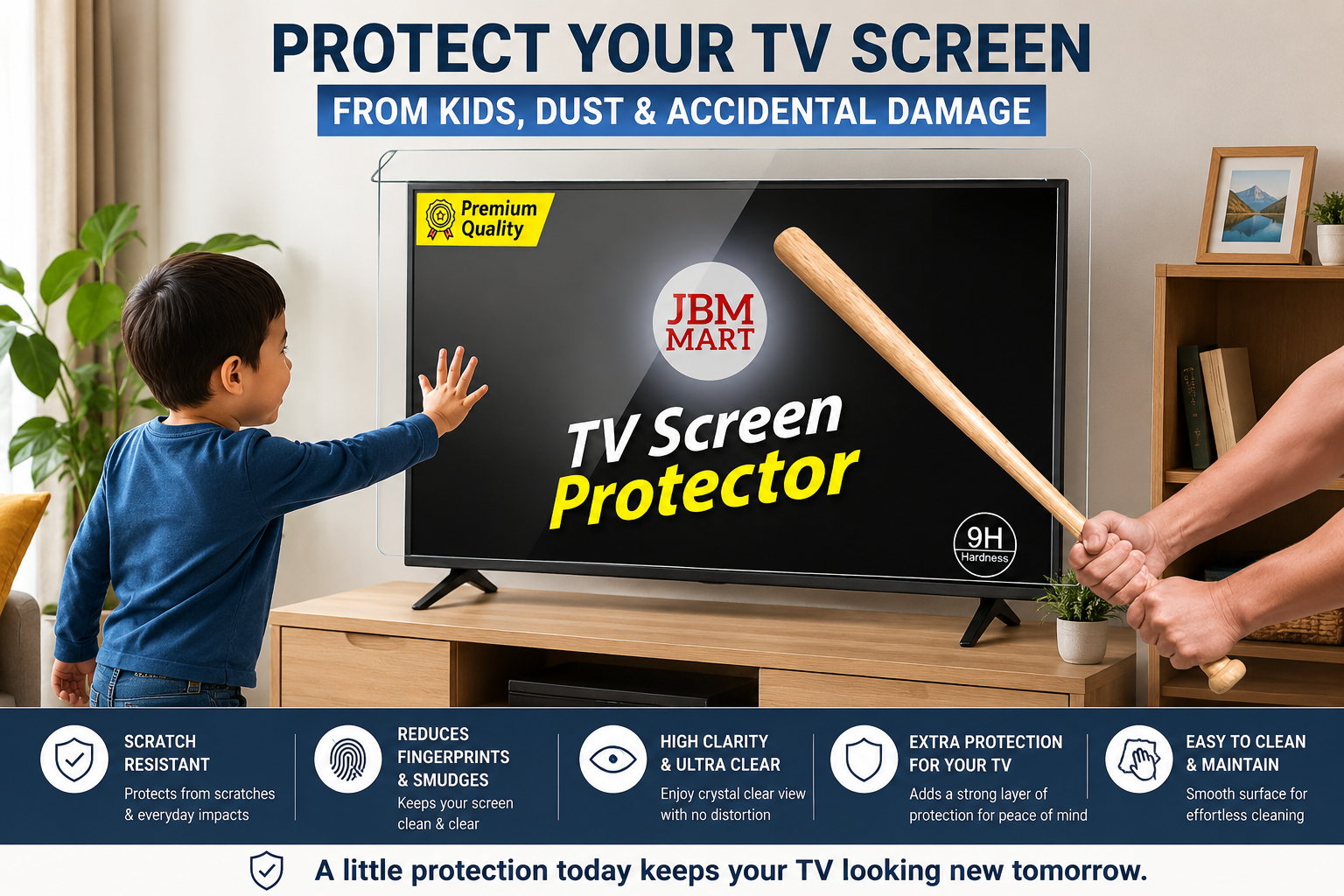
A TV is more than just an entertainment device. It is often the centre of the living room where families watch movies, children enjoy cartoons, friends watch sports, and everyone gathers for their favourite shows. With modern TVs becoming thinner, larger, and more advanced, the screen has also become an important investment that deserves proper care.
Unfortunately, everyday activities can put your TV screen at risk. Children may touch or press the display, toys can accidentally hit the screen, dust can accumulate, and improper cleaning can leave scratches or damage the screen's surface coating. Even a small mark can become highly visible when you are watching a movie or using your TV during the day.
The good news is that protecting your television does not have to be difficult. With proper placement, regular cleaning, careful handling, and an additional layer of protection such as a JBM MART TV Screen Protector, you can reduce many of the everyday risks faced by your television.
Why Does Your TV Screen Need Protection?
Modern LED, LCD, OLED, QLED, and other flat-panel televisions have delicate display surfaces. The screen may look solid, but it is not designed to withstand repeated pressure, sharp objects, rough cleaning materials, or accidental impacts.
TV manufacturers themselves recommend gentle cleaning methods. For example, Samsung advises using a soft microfiber cloth, avoiding excessive pressure, and never spraying liquid directly onto the screen. Sony similarly recommends switching the TV off and unplugging it before cleaning and avoiding direct contact with the display whenever possible.
This is why prevention is better than trying to repair a damaged screen. A few simple habits can help protect your TV:
-
Keep children from touching or pressing the display.
-
Keep toys away from the television.
-
Clean the screen with appropriate materials.
-
Keep dust away from the TV and its ventilation areas.
-
Install the TV securely.
-
Keep liquids away from the television.
-
Consider using a suitable TV screen protector for additional protection.
1. Protect Your TV From Kids
Children are one of the biggest reasons parents look for ways to protect their TV screens.
Kids are naturally curious. They may touch the characters they see on screen, point at objects, press the display, or play near the television. A ball or toy can also accidentally hit the screen.
Even when children are careful, accidents can happen. Instead of constantly worrying about the TV, create a safe viewing environment.
Keep the TV Away from Reach
If possible, place or mount your TV at a suitable height where young children cannot easily reach the screen.
A properly installed wall-mounted TV can help reduce direct access to the display. If you use a TV stand, choose a stable setup and ensure that the furniture cannot easily tip or move.
Keep Toys Away
Avoid placing balls, toy cars, remote-control toys, and other objects near the TV.
A dedicated play area slightly away from the entertainment setup can significantly reduce the possibility of an accidental impact.
2. Use a TV Screen Protector for an Extra Layer of Protection
One practical way to add an extra layer of protection is by using a TV screen protector.
A screen protector is designed to sit in front of the television display and provide a protective barrier against everyday contact. It can be particularly useful in homes with children, pets, busy living spaces, or televisions installed in areas where accidental contact is more likely.
JBM MART TV Screen Protectors
For households looking for additional protection, JBM MART TV Screen Protectors can be considered as part of a TV protection setup.
The idea is simple: instead of allowing everyday contact, fingerprints, dust, or minor accidental contact to reach the TV's original display surface directly, a protector adds another layer between the screen and the surrounding environment.
This can be especially useful when:
-
You have young children at home.
-
Your TV is installed in a family living room.
-
Children play near the television.
-
The TV is frequently touched.
-
You regularly need to clean fingerprints from the screen.
-
The television is an expensive model that you want to maintain carefully.
-
The TV is installed in a busy commercial or public environment.
A TV screen protector should not replace safe handling and manufacturer-recommended care, but it can be an additional preventive measure.
3. Keep Dust Away From Your TV Screen
Dust is one of the most common problems for televisions.
TV screens can quickly show dust particles, particularly when sunlight enters the room. A dusty display can make the screen look dull and can become distracting when watching movies or other content.
Samsung notes that dust and dirt can affect the viewing experience and recommends appropriate cleaning methods.
Instead of waiting until the screen becomes visibly dirty, make gentle dusting part of your regular home-cleaning routine.
How to Remove Dust Safely
Use a clean, soft microfiber cloth and gently wipe the screen.
Avoid pressing hard. The objective is to remove dust, not scrub the display.
Also remember that dust does not only collect on the front of the TV. It can accumulate around:
-
TV vents
-
Rear panel
-
Speakers
-
HDMI ports
-
Cable connections
-
TV stand
-
Wall-mount area
Sony recommends paying attention to dust around ventilation areas, as buildup can contribute to problems.
4. Never Press Hard While Cleaning
One of the most common mistakes people make is applying too much pressure when cleaning their television.
If a fingerprint does not disappear immediately, don't scrub harder. Modern display panels can be sensitive to pressure. Sony specifically advises gently wiping the screen and avoiding excessive pressure.
Instead:
-
Turn off the television.
-
Unplug it if required by the manufacturer's cleaning instructions.
-
Allow the screen to cool.
-
Use a clean microfiber cloth.
-
Wipe gently.
-
Repeat only if necessary.
If a stain remains, check your TV manufacturer's cleaning instructions before using any liquid or cleaning product.
5. Avoid Spraying Liquid Directly on the TV
Another important TV care rule is never spray cleaning liquid directly onto the screen.
Liquid can run toward the edges of the display or enter areas where it should not. Samsung, Sony, and LG all provide guidance against spraying liquid directly onto the television.
If your TV manufacturer permits a slightly damp cloth for cleaning, apply the appropriate amount to the cloth rather than spraying the screen directly.
6. Avoid Household Glass Cleaners
Your television screen may look similar to glass, but that does not mean ordinary glass-cleaning products are suitable for it.
Many modern displays have special surface coatings. Sony warns against unsuitable chemicals and solvents, while Samsung advises against household chemicals such as glass cleaners, alcohol, benzene, and ammonia for its TV screens.
Avoid experimenting with household cleaning products.
7. Keep Sharp Objects Away From the Screen
Keys, pens, pencils, toys with hard edges, and other sharp objects should never come into direct contact with your television.
This is especially important when children are playing nearby. A simple way to reduce the risk is to keep stationery, toys, and other potentially damaging objects away from the TV area.
LG also recommends taking precautions against scratches and specifically warns against using metal objects near the screen.
8. Protect Your TV From Accidental Impacts
Accidental impacts can happen in any home.
A child may throw a toy. Someone may move furniture. A pet may run into the entertainment unit. A ball may bounce in the wrong direction. These situations are difficult to predict, so prevention is important.
Consider keeping sufficient space around the TV and positioning furniture so that people do not frequently walk directly beside or behind the television.
For homes with children, combining safe TV placement with a TV screen protector can provide an additional layer of protection.
9. Choose a Stable TV Stand or Wall Mount
The screen is not the only part of the TV that needs protection.
The entire television should be securely positioned.
If your TV is placed on a table or TV stand, ensure that the surface is stable and suitable for the TV's size and weight.
If you choose a wall mount, make sure the mount is compatible with your TV and installed correctly. A secure setup reduces the risk of the television moving or falling due to accidental contact.
10. Keep Food and Drinks Away From the Television
Family movie nights often involve snacks and drinks, but keeping them too close to the TV can create unnecessary risks. A spilled drink can damage electronic components, while greasy fingers can leave marks on the screen.
Instead, keep drinks and food on a nearby table rather than directly beside the TV. This simple habit can help keep the entertainment area cleaner and safer.
11. Keep the TV Away From Excessive Moisture
Moisture is another concern for electronic devices. Avoid installing or placing the television where it can be exposed directly to water, condensation, or excessive humidity.
Be especially careful around:
-
Open windows during heavy rain
-
Kitchens
-
Bathrooms
-
Damp walls
-
Water dispensers
-
Areas where children play with water
If you notice moisture around the television, do not immediately turn it on. Follow the manufacturer's safety instructions or contact an authorised service professional if necessary.
12. Clean the Area Around the TV, Not Just the Screen
A clean screen is important, but the surrounding area matters too. Dust from shelves, curtains, carpets, furniture, and other surfaces can eventually settle around your television.
Make your TV area part of your regular cleaning routine. You can:
-
Dust the TV stand.
-
Clean shelves around the TV.
-
Remove dust from the surrounding wall.
-
Keep cables organised.
-
Keep toys away from the entertainment area.
-
Check the TV vents periodically.
-
Keep the area behind the TV reasonably clean.
A cleaner environment means less dust reaching the display and other components.
13. Be Careful When Moving Your TV
If you are shifting your TV to another room, moving house, or changing the furniture, be especially careful. Never move a large television by holding only the screen.
Use appropriate support and, where possible, have another person help with larger TVs.
LG recommends securely wrapping a TV with appropriate packing materials when moving it to help avoid impact or pressure damage.
If you already use a JBM MART TV screen protector, follow the protector's instructions regarding removal or installation before transporting the TV.
14. Protect Your TV in Busy Homes and Commercial Spaces
TV screen protection isn't limited to family homes. A television installed in a:
-
Restaurant
-
Hotel
-
Reception area
-
Waiting room
-
Classroom
-
Office
-
Retail store
-
Gaming area
-
Children's activity space
may experience more frequent contact than a television in a private bedroom. In such environments, a screen protector can be considered as part of a broader TV protection strategy.
15. Make TV Protection Part of Your Routine
The best TV protection strategy is one that you can follow consistently. You don't need to spend hours maintaining your television.
Weekly TV Care
Once a week, check the screen and surrounding area for:
-
Dust
-
Fingerprints
-
Food marks
-
Toys or objects placed too close to the TV
-
Cable clutter
-
Dust around vents
Use an appropriate microfiber cloth and follow your TV manufacturer's cleaning instructions.
Monthly TV Check
Once a month, take a little more time to check:
-
TV stand stability
-
Wall-mount security
-
Cables
-
Ventilation areas
-
Dust around the back of the TV
-
Overall condition of the screen protector, if installed
Regular checks can help you identify small problems before they become bigger ones.
JBM MART TV Screen Protector: An Extra Step Toward Everyday TV Protection
Your television may be a significant investment, especially if you have purchased a large-screen 4K, OLED, QLED, or premium smart TV.
While careful handling is essential, families with children may want an additional layer of protection.
This is where a JBM MART TV Screen Protector can become a useful part of your TV setup.
Instead of relying only on rules such as keeping children away from the television or cleaning the display carefully, adding a protective layer can provide another level of everyday protection.
It can be particularly helpful for households where:
Children frequently watch TV: Kids may point at the display or accidentally touch it.
The TV is in a busy room: More people moving around means a greater possibility of accidental contact.
The TV requires frequent cleaning: A protector can be considered when you want an additional barrier against everyday marks and contact.
You have invested in a large-screen TV: Preventive care becomes increasingly valuable when replacing the display would be expensive.
However, it is important to choose and install any screen protector according to its product instructions and ensure that it is appropriate for your particular television.
Common TV Screen Protection Mistakes to Avoid
Even with good intentions, some cleaning and protection habits can cause problems. Avoid these common mistakes:
❌ Using rough cloth
Rough fabrics can potentially scratch or affect the surface.
❌ Pressing hard
Gentle wiping is preferable to aggressive scrubbing.
❌ Spraying liquid directly on the screen
Follow manufacturer instructions and avoid direct spraying.
❌ Using random household chemicals
Only use products specifically recommended for your TV.
❌ Letting children play directly beside the TV
Create a safe distance between the play area and television.
❌ Placing drinks directly next to the television
Keep liquids away from electronic equipment.
❌ Ignoring the back of the TV
Dust can accumulate around vents and other areas, so the entire TV setup deserves attention.
FAQs About Protecting a TV Screen
1. How can I protect my TV screen from children?
Keep the TV at a suitable height, create a no-touch rule, keep toys away, secure the TV properly, and consider an appropriate TV screen protector for additional protection.
2. Can kids damage a TV screen by touching it?
Repeated touching or pressing is not recommended. Modern TV displays can be sensitive to pressure, so children should be taught not to touch or push the screen.
3. What is the best way to remove dust from a TV screen?
Use a clean, soft microfiber cloth and wipe gently. Always follow the cleaning instructions provided by your TV manufacturer.
4. Can I spray glass cleaner on my TV?
It is generally not recommended unless your TV manufacturer specifically says that the product is suitable. Many manufacturers warn against unsuitable chemicals and direct spraying.
5. Is a TV screen protector useful for homes with children?
A suitable screen protector can provide an additional protective layer and may be useful in homes where children are likely to touch or accidentally hit the TV.
6. How often should I clean my TV?
There is no universal schedule. Clean when dust or fingerprints become noticeable, while using the cleaning method recommended by your TV manufacturer.
7. Should I protect my expensive 4K or smart TV?
Protecting any television is useful, but additional preventive measures can be especially worthwhile for large or expensive TVs because replacing a damaged display can be costly.
Your TV screen faces many everyday risks—from children's curious hands and flying toys to dust, fingerprints, accidental bumps, and incorrect cleaning methods. Fortunately, most of these risks can be reduced with a few simple precautions.
Keep children from touching the display, maintain a safe distance between toys and the TV, use a stable TV stand or wall mount, clean the screen gently with appropriate materials, and keep liquids and harsh chemicals away from the television.
For an additional layer of everyday protection, consider adding a JBM MART TV Screen Protector to your TV setup. It can be a practical choice for families with children and for televisions installed in busy areas.
Your TV is an investment you use every day. A little preventive care today can help you keep the screen cleaner, safer, and looking better for longer.
Whether you have a compact TV in a bedroom or a large-screen television in your living room, protecting the display is always easier than dealing with accidental damage later.